Remote Jobs: How to Spot Scams Before You Apply
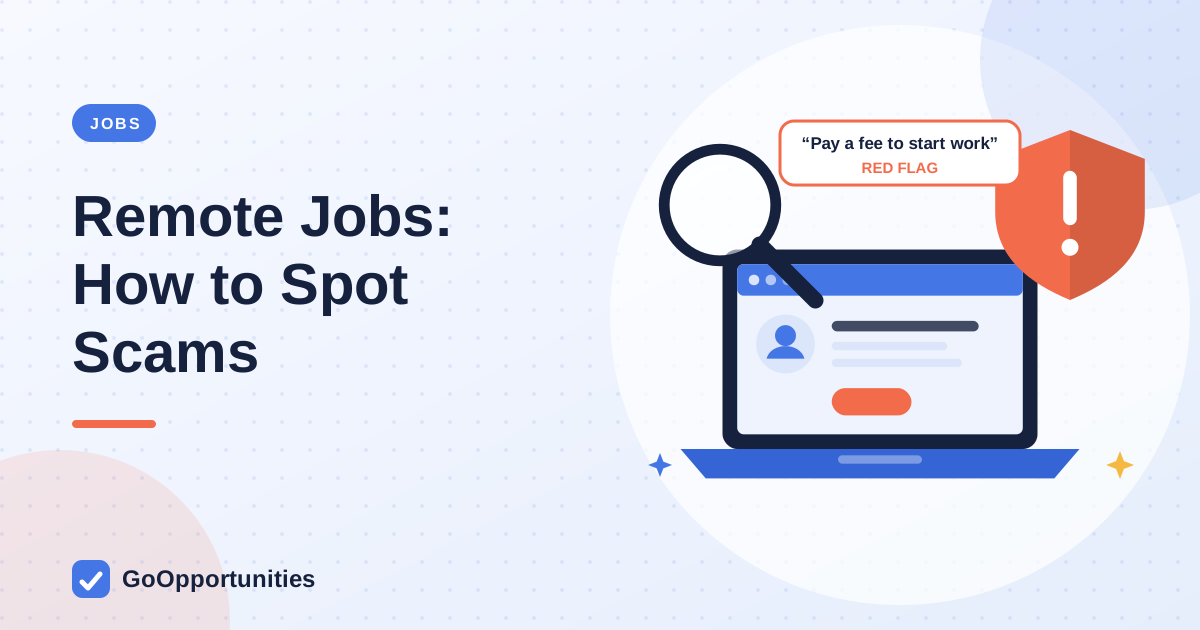
The clearest sign of a remote job scam is a request for money, bank details or identity documents before you have a verified employer and a written contract. Real employers do not charge you to be hired, and they do not pay you to move money for them. If an offer feels too easy, too fast or too well paid, stop and verify it.
This guide lists the warning signs, a simple verification routine and what to do if you have already been targeted. If you are just starting out, read it alongside our guide to remote jobs for beginners, and use the official apply link for any listing on our remote jobs page.
Red flags in a remote job offer
- You are asked to pay for training, equipment, a background check, a visa, software or a security deposit.
- You are sent a cheque or transfer and asked to forward part of it, buy gift cards or purchase equipment from a named supplier.
- The offer arrives without an interview, or the whole interview is by text chat on a messaging app.
- The recruiter pushes you to move to WhatsApp, Telegram or another private channel quickly.
- The pay is far above the going rate for a role that needs no skills.
- The email comes from a free address that does not match the company’s website, or the domain is slightly misspelled.
- The job description is vague about duties, the employer or the location.
- You are asked for your passport, ID number or bank login before signing a contract.
A legitimate employer may ask for identity and bank details, but only after a verified offer and through the employer’s official onboarding system.
Common scam patterns
Scams change, but most follow a few patterns. Knowing them makes them easier to recognize.
- Advance-fee scams: you are asked to pay before you start, then the employer disappears.
- Cheque overpayment scams: you receive funds, send some on, and the original payment later fails, leaving you responsible.
- Money-handling roles: titles such as payment processor or “finance assistant” that ask you to receive and forward money for strangers.
- Identity-harvesting scams: a fake application form collects your ID, address and bank details.
- Task scams: you are asked to complete simple online tasks and then to deposit money to “unlock” earnings.
A five-step verification routine
- Find the company’s official website yourself by searching for its name, not by clicking a link in the message.
- Check whether the same role is listed on the company’s own careers page. If not, contact the company through its published contact details and ask.
- Compare the recruiter’s email domain with the company’s domain, and look for the recruiter on the company’s official channels.
- Insist on a video call with a named person and ask for the offer and contract in writing.
- Search the company name with words such as “scam” or “reviews”, and read recent, specific reports rather than a single review.
What you should never send or do
When an employer sends equipment, it should arrive from a verifiable supplier under a written agreement that you have read, not from a request to buy it yourself and wait for reimbursement.
- Money for any stage of hiring, training or equipment.
- Passport, national ID or bank login details before a verified, written offer.
- One-time codes, passwords or remote access to your computer.
- Personal bank accounts for receiving payments on an employer’s behalf.
Real offer vs fake offer
General patterns, not a guarantee. Verify every employer.
| Stage | Typical real employer | Typical scam |
|---|---|---|
| Application | Official careers page or known job board | Message out of the blue, link to a form |
| Interview | Video or phone call with named staff | Chat-only interview, instant offer |
| Cost to you | None | Fees for training, equipment or checks |
| Contract | Written terms before work starts | Vague promises or a rushed signature |
| Pay | Employer pays you through payroll | You receive money and are asked to forward it |
Protect yourself while job hunting
- Use a separate email address for job applications and keep it free of unrelated accounts.
- Turn on two-factor authentication for your email and job accounts.
- Keep copies of every message, offer and contract.
- Share only the data a stage of hiring really needs.
- Prefer applying through the employer’s own apply page. GoOpportunities links to the source of a listing where one is available, but you should still verify the employer before sharing sensitive documents.
If you have already been targeted
- Stop contact with the sender and do not send any more money or documents.
- Contact your bank or payment provider straight away and ask whether a transfer can be stopped.
- Change passwords on any account you shared, and enable two-factor authentication.
- Report it. In the United States you can report fraud to the Federal Trade Commission and the Internet Crime Complaint Center. Elsewhere, contact your national consumer-protection or cybercrime authority.
- If you shared identity documents, watch for misuse and follow your national identity-theft guidance.
Scams that target students and graduates
Early-career applicants are targeted because they are eager and may be unfamiliar with hiring norms. Watch for fake internships that require a placement fee, jobs that promise visa sponsorship in exchange for payment, and offers that use the name of a real company or scholarship to look credible.
If someone claims to represent a known organization, find the organization’s official contact details yourself and ask them to confirm.
Questions to ask a recruiter
A real recruiter answers these clearly. Evasive or pressured answers are a reason to stop.
- What is the legal name of the employer, and where is it registered?
- Who will I report to, and can I speak to them on video?
- How is pay delivered, and from which entity?
- Where can I read the full contract before I accept?
- Which official careers page lists this role?
Reading a job post critically
Genuine postings describe the duties, the skills needed, the team and the location or time-zone rules. Be careful when a post is mostly about earnings, uses vague titles or promises flexibility with no detail. Check whether it has the employer’s name and a link to an official application page.
Help others avoid the same trap
If you spot a fake posting, report it to the platform where you found it and warn classmates or friends who might be applying. Do not reply to the scammer or try to trick them, because that can expose you to further risk. Keep screenshots of the messages in case your bank or the authorities ask for evidence.
Frequently asked questions
Do real remote employers ever ask for money?
No legitimate employer charges you to be hired. Be suspicious of any request for fees, deposits or purchases before you start.
Is it normal to be interviewed on a messaging app?
Some recruiters do an initial chat, but a real hiring process normally includes a call with named staff and a written offer. Chat-only hiring is a warning sign.
Can I check if a recruiter is genuine?
Yes. Look up the company through its official website, compare email domains and ask the company to confirm the recruiter and the role.
What if the job pays unusually well?
Be more careful, not less. Pay far above the market rate for a simple role is a common lure.
Where do I report a job scam?
Report it to your bank, to the platform where you found the offer and to your national fraud or cybercrime authority.
Official sources
Confirm current rules on the provider site. Links open in a new tab.
This article is general guidance from the GoOpportunities editorial team. Eligibility, deadlines, funding and visa rules change. Always confirm details on the official provider or government website before you apply. We do not host applications.